How customers opt in to QueueFlow SMS messages.
This page explains how QueueFlow collects customer consent before sending optional SMS messages for participating barbershops: a follow-up text after a visit and, separately, optional promotional offers.
Consent Summary
- Customers opt in on the in-store QueueFlow tablet.
- Two separate, unchecked consent boxes: one follow-up text, and optional promotional offers.
- Neither box is required to join the waitlist.
- Customers can reply STOP to opt out or HELP for help.
- Customer phone numbers are not sold or shared.
Opt-In Flow
QueueFlow is used on an in-store tablet at participating barbershops. Customers join the waitlist by entering their name and phone number. Before the customer finishes check-in, the tablet displays a Text Message Consent popup with two separate checkboxes, both unchecked by default. Customers can join the waitlist without checking either box.
- A customer walks into a participating barbershop.
- The customer enters their name and phone number on the QueueFlow tablet.
- The tablet displays a Text Message Consent popup before the customer finishes check-in.
- The customer may check the first box to receive one follow-up text about booking their next visit.
- The customer may separately check the second box to receive promotional texts and special offers from the shop through QueueFlow (up to 4 messages per month).
- For a customer who checked the first box, QueueFlow sends one follow-up message for that visit, scheduled approximately 14 days later.
- Promotional messages are sent only to customers who checked the second box.
- The customer can reply STOP to opt out or HELP for help at any time.
Opt-In Screenshots
These screenshots show the in-store QueueFlow tablet process where a customer enters their information, reviews the Text Message Consent popup, and is added to the waitlist.
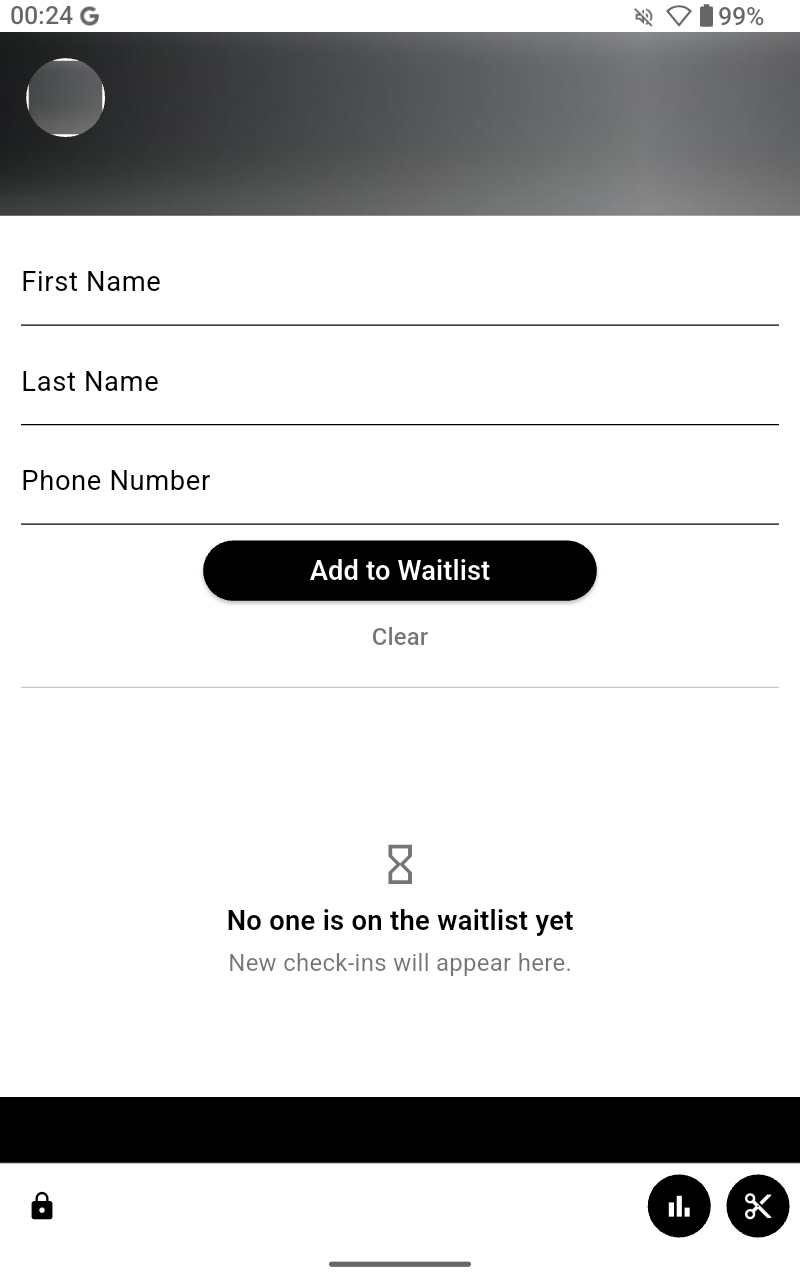
1. Customer check-in form
The customer starts by entering their name and phone number on the QueueFlow tablet.

2. Text Message Consent popup
The popup shows the optional follow-up and promotional consent checkboxes, with STOP/HELP language, before check-in is completed.
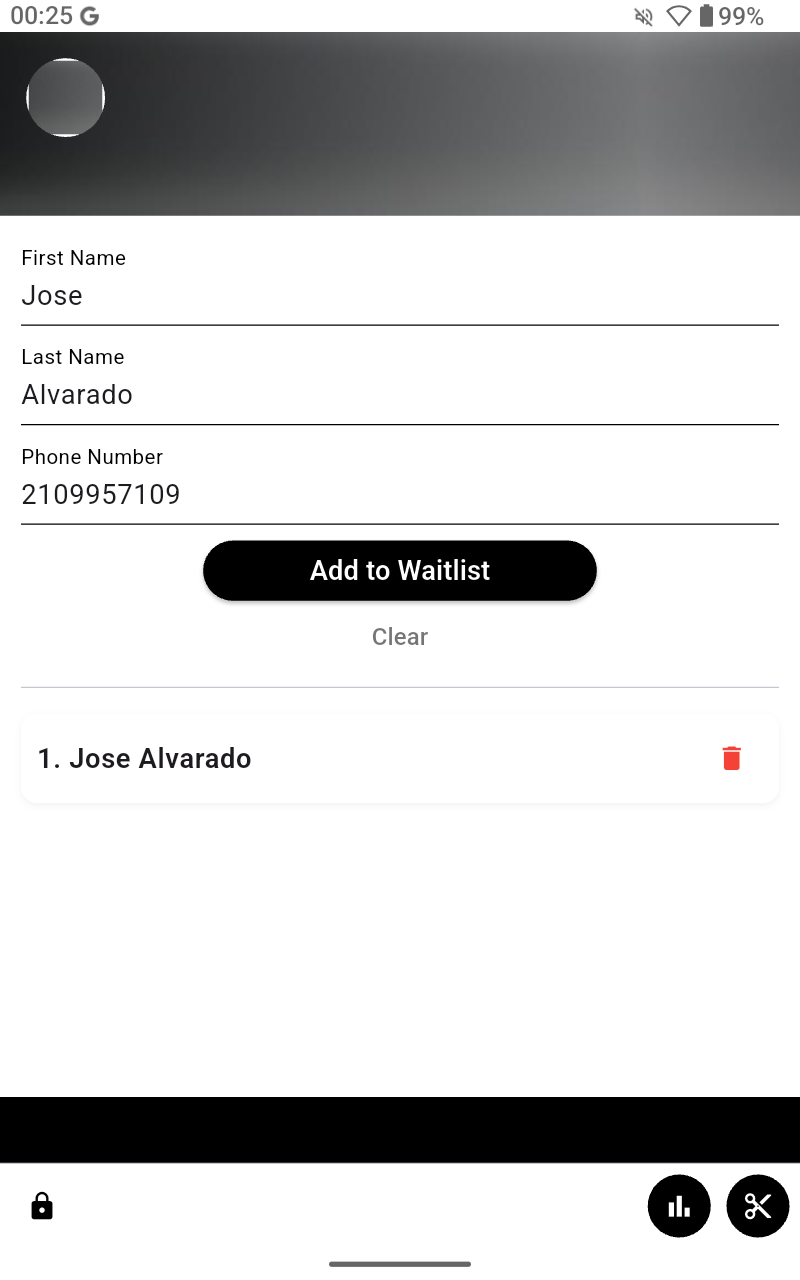
3. Customer added to waitlist
After the check-in flow, the customer is added to the barbershop waitlist.
SMS Consent Language
The QueueFlow check-in popup displays the following consent language before check-in is completed. Each statement has its own checkbox, unchecked by default.
Follow-up text (checkbox 1)
Promotional offers (checkbox 2, optional)
The popup also tells customers: “You can still join the waitlist without checking the box.” The same consent language is shown in Spanish when the customer selects Spanish.
Sample Messages
Follow-up (customers who checked box 1)
Promotional offers (only customers who checked box 2)
Promotional messages always start with “QueueFlow” and the name of the barbershop the customer opted in at, and are sent from a dedicated QueueFlow toll-free number.
Message Frequency
Follow-up: one message per customer visit, typically about 14 days after the visit. If the customer returns later and joins the waitlist again, that new visit may create a separate follow-up message. Promotional offers: up to 4 messages per month per shop, only to customers who opted in to promotions.
Privacy
Customer phone numbers are used only for waitlist management, the optional follow-up message, and promotional messages from the participating barbershop for customers who opted in to promotions. SMS opt-in data and consent are not sold, shared, or transferred to third parties for marketing purposes.
Help and Opt-Out
Customers can reply STOP to opt out of future SMS messages. Customers can reply HELP for help. Message and data rates may apply. Message frequency may vary.
Contact
For questions about QueueFlow SMS messaging, please contact the QueueFlow administrator using the contact information listed on the main QueueFlow website.